Introducing Iris, your new AI agent
Iris is your AI agent inside Mentorly. Here is why we built it, what it does, and what to ask it whether you run the program, mentor someone, or are being mentored.
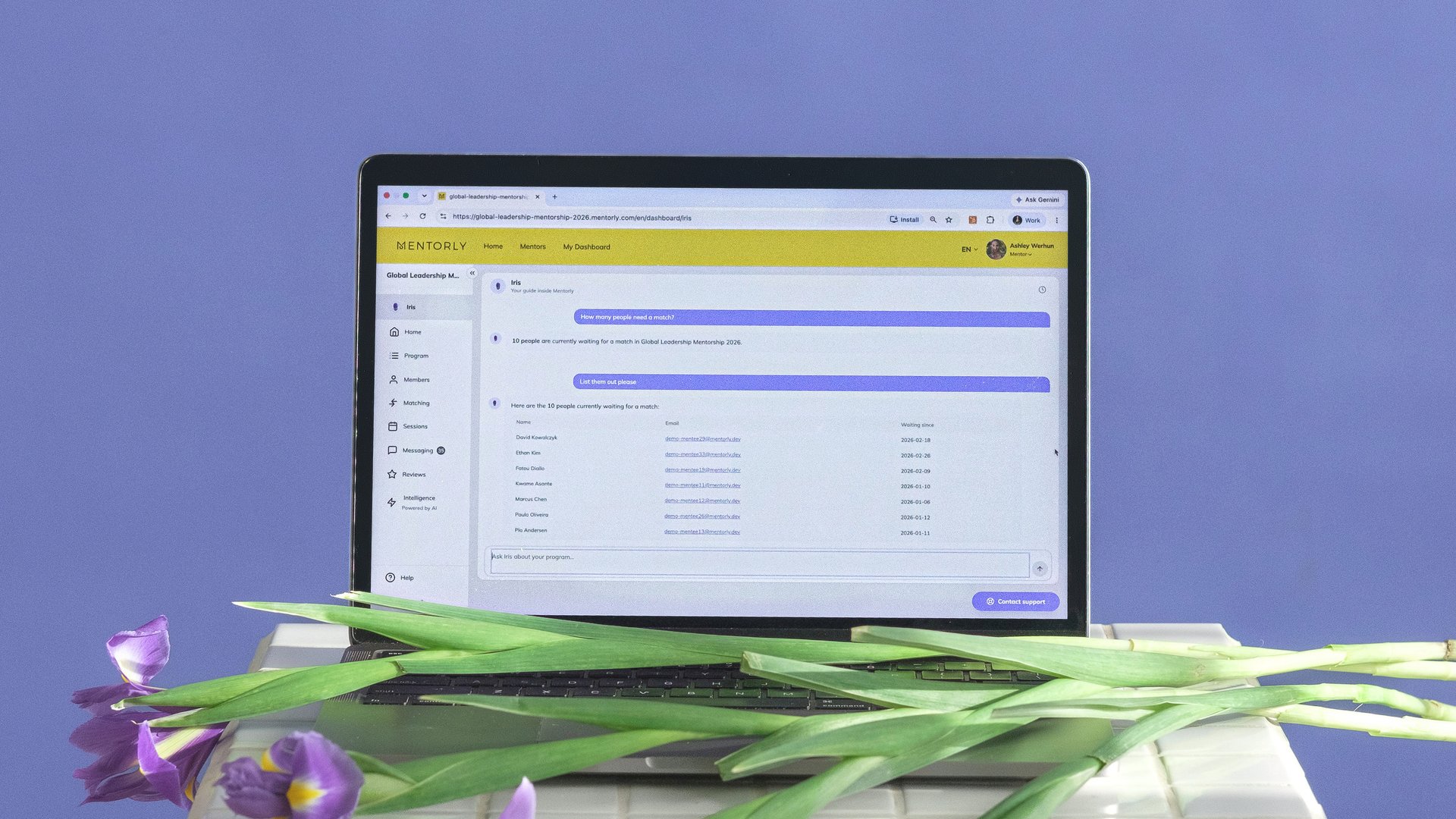
Iris is live in your program today. It's at the top of your menu, next to the little purple flower 🪻
Why we built it
For years we watched the same thing happen. Someone senior asks how mentorship is going. The answer exists, spread across sessions and goals and a few hundred feedback forms in Mentorly that nobody's had time to read. So you export, you cross reference, you scroll, and finally you've got a number to report upwards.
Meanwhile the mentor in that same program has no idea what their mentee has been working on, and the mentee can't remember what they promised to do after the last session. They forget the guidance you laid out on the program launch call, and forget what the expectation of the program is.
The data was always there. What nobody had was a way to ask it a question.
So we built Iris.
What it does
Iris is your AI agent inside Mentorly. You ask a question the way you'd ask a colleague, and it answers from your program's live data.
It only sees what you can see. Ask about goals as a mentee and you get your goals, ask as a mentor and you get your mentees', and if you run the program you get the whole roster. Nobody gets a window into anything they couldn't already open themselves. It's incredibly secure.
It reads four things: your live program data, the resources you upload, the Mentorly Help Center, and our mentorship guides. So you can ask what's happening in your program, and also how to run it. "How do I invite members by CSV" will get you the steps.
When Iris doesn't know, it says so and hands you to our team. We'd much rather it tell you the truth than invent something about your people.
If you run the program
Start with the questions you've been exporting spreadsheets to answer.
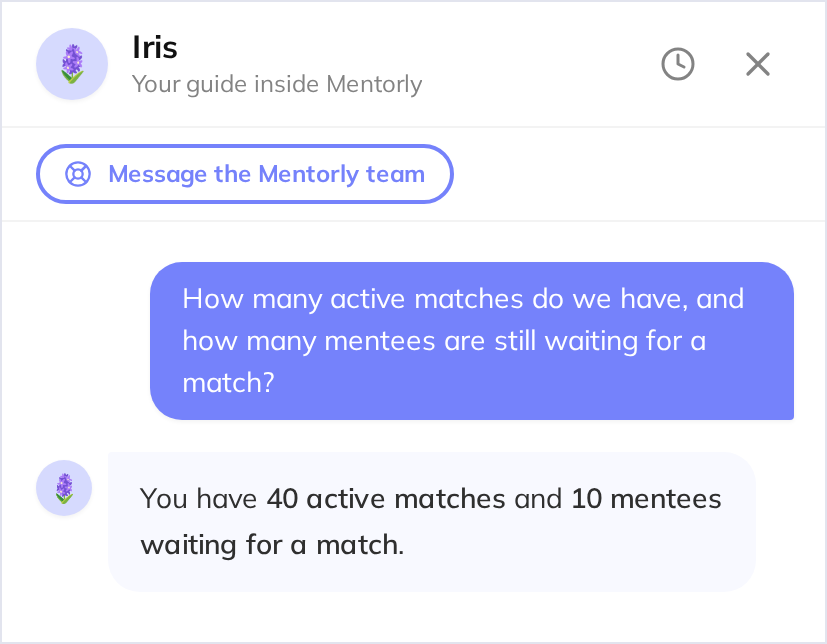
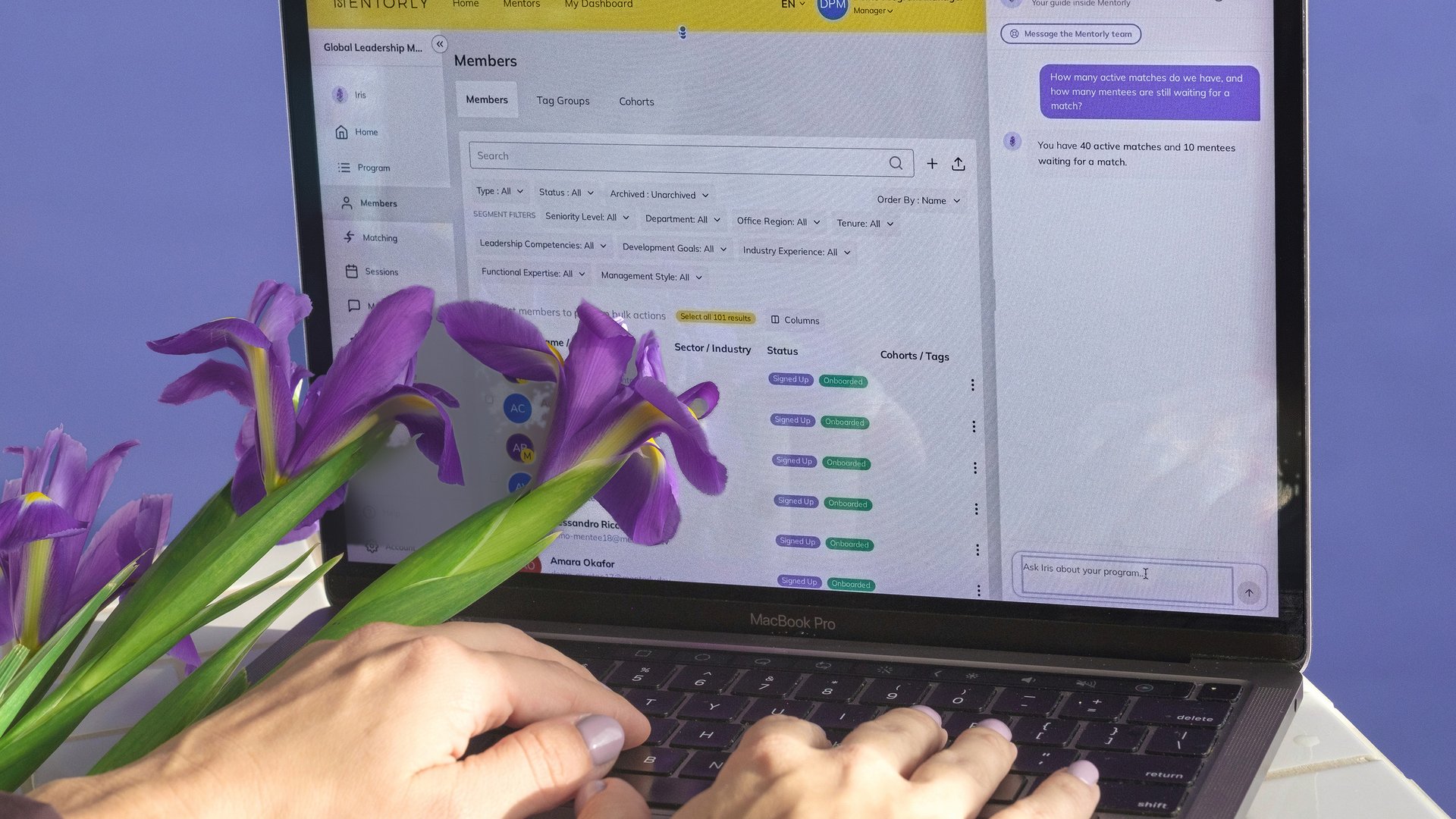
- "How many active matches do we have, and how many mentees are still waiting for a match?"
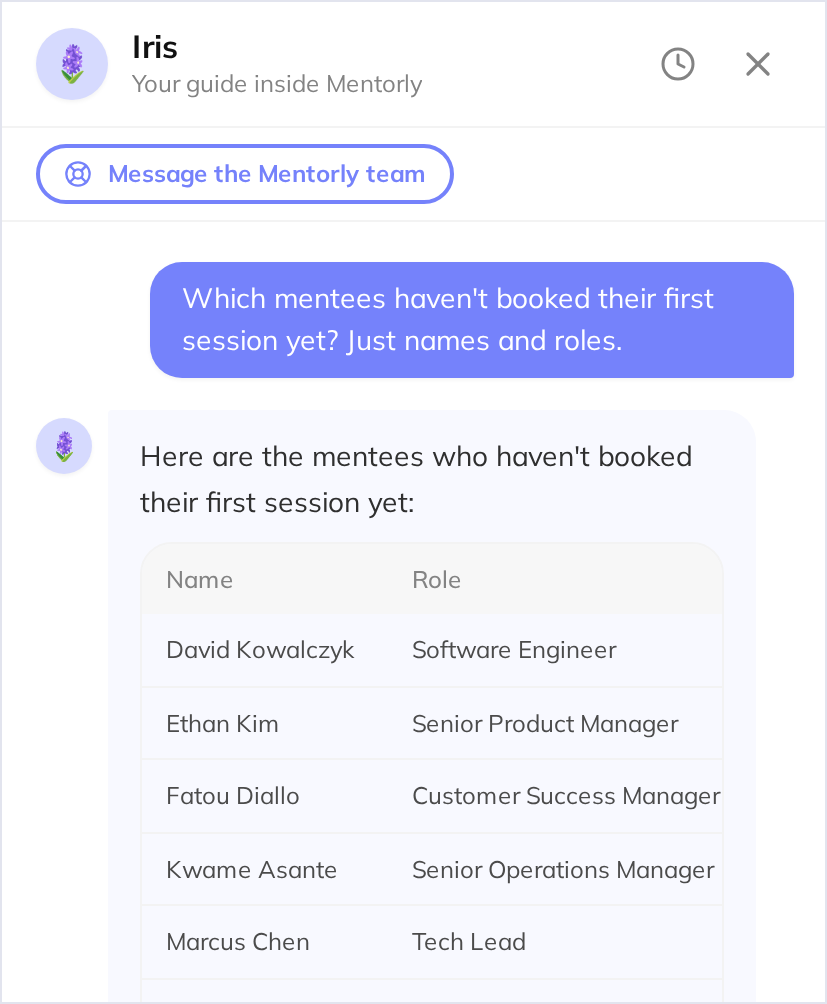
- "Which mentees haven't booked their first session yet? Just names and roles."
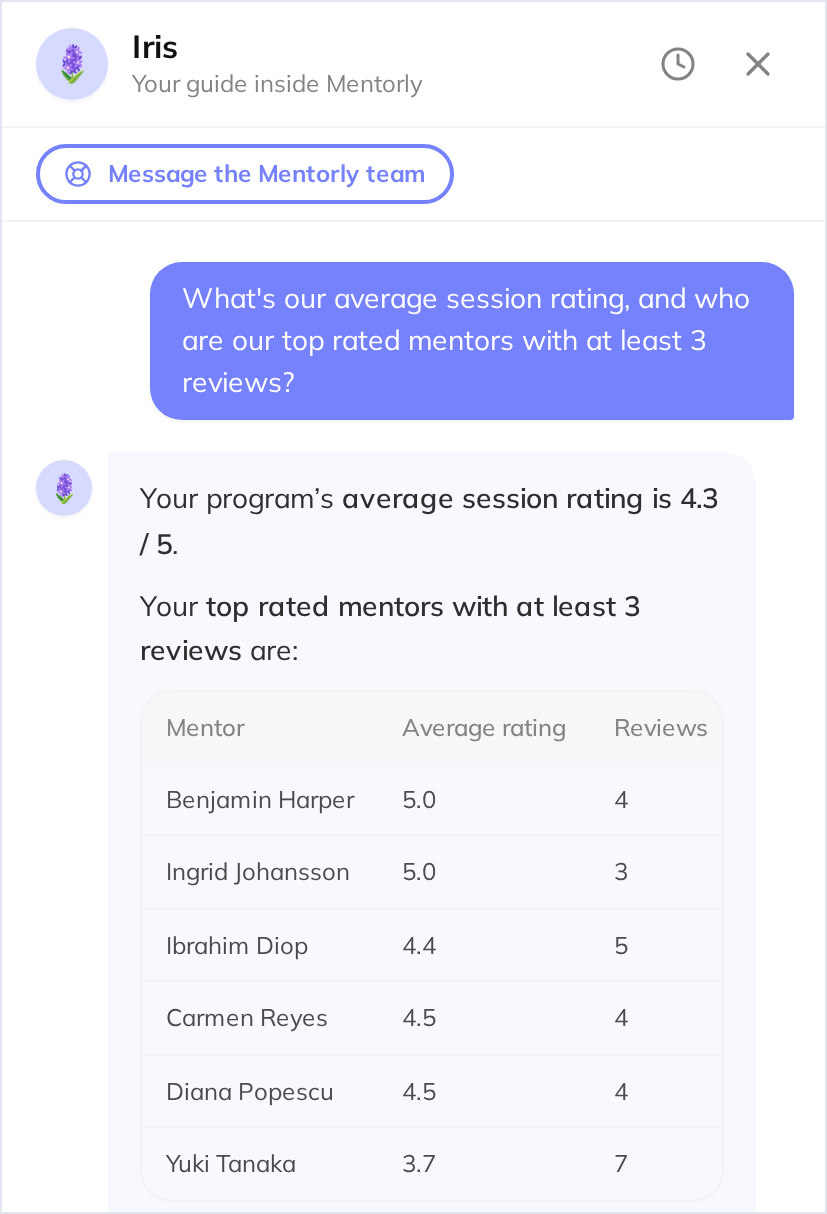
- "What's our average session rating, and who are our top rated mentors with at least three reviews?"
Keep going after the first answer. Iris holds the thread, so "now break that down by department" works, and so does "pull the same list with their emails."
The one we'd really push you toward is feedback. Three hundred reviews is the job every program manager means to do and almost nobody finishes. Ask Iris to read them and you'll get sentiment across all of them, plus the themes sitting underneath.
If you're a mentor
Many questions come up right before your session.
"How should I set an agenda for our next session?" gets you a structure back, plus whatever template is already sitting in your Resources.
Mentoring is a skill. Almost nobody gets taught it, and most mentors are handed a calendar invite and left to figure the rest out. Use Iris as the colleague who's done it before.
If you're a mentee
You're the person this whole thing exists for, and usually the one with the least information about it. That takes about ten seconds to fix.
- "What goals did I set, and which ones am I behind on?"
- "What did I say I'd do after my last session?"
- "What should I bring to the next one?"
Getting better answers out of it
Tips for program managers:
Be specific. "How's the program going" gets you a shrug. "How many mentees have completed at least one goal this quarter" gets you a number.
Ask for the shape you want. Names and roles, a table, or just the figure.
Upload your own documents. Your program guide, your competency framework, that onboarding deck you rebuilt in September. Iris will start answering in your language instead of ours.
And push back when something looks wrong. There's a "Message the Mentorly team" button right in the panel. We're early, the programs using Iris every day are teaching us the most, and we read all of it.
More tips are in the Help Center: Meet Iris, your Mentorly assistant and Getting good answers from Iris.
Now, go try it!
Start with the one you've been dreading all month. Challenge it, and we will improve it as you do!
Open Iris in your program, or book a walkthrough and we'll go through it with you.