(FOR MARKETPLACE USERS)
One of the best ways to get the most out of your mentorship sessions is to share your portfolio, any documents you want reviewed, or a folder of files with your mentor or mentee, either before your session starts -- to give them some context about your situation -- or after your session ends -- to prep the conversation for the next session.
Our Mentorly Inbox allows you to attach and send any file from your computer 🗂 .
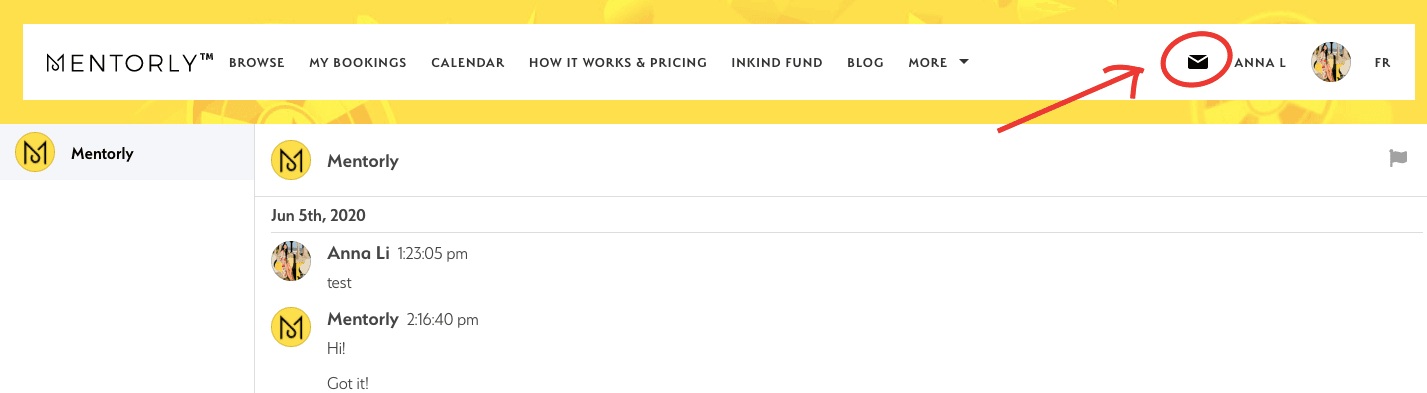
To do so, go to your Inbox:
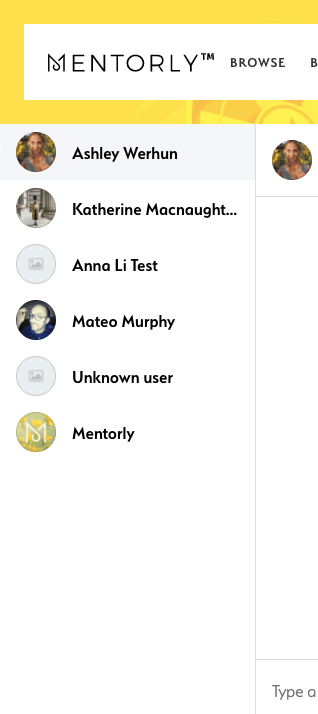
Then, click on the person's name you want to send the attachment to:
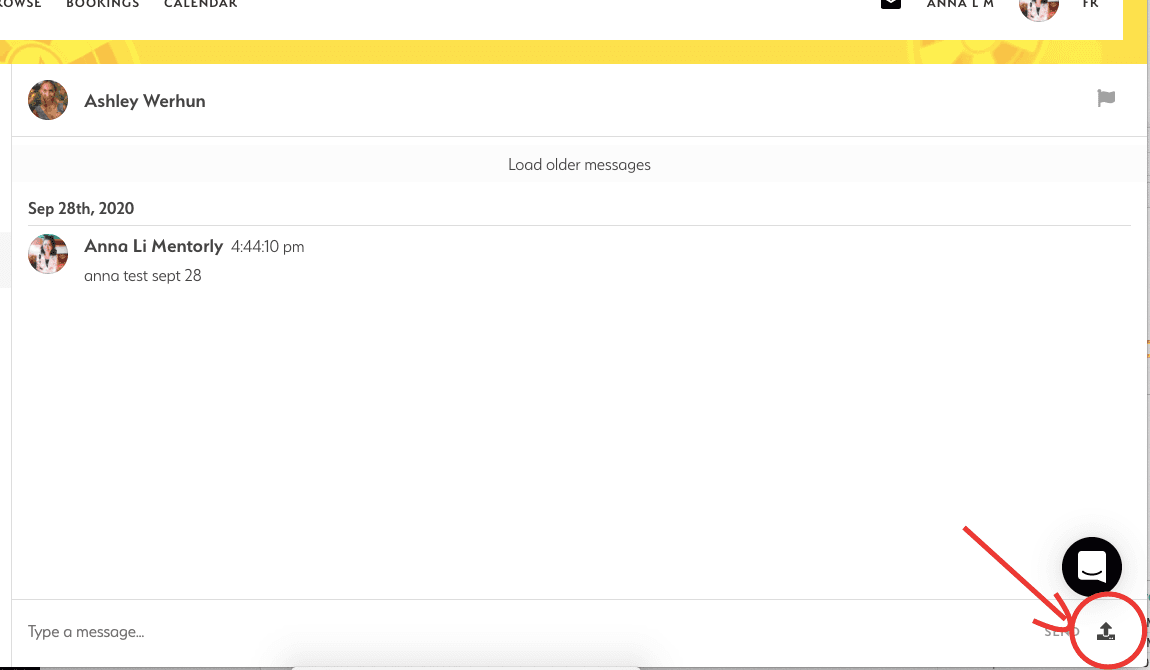
At the bottom-right of the screen, find the attachment icon:
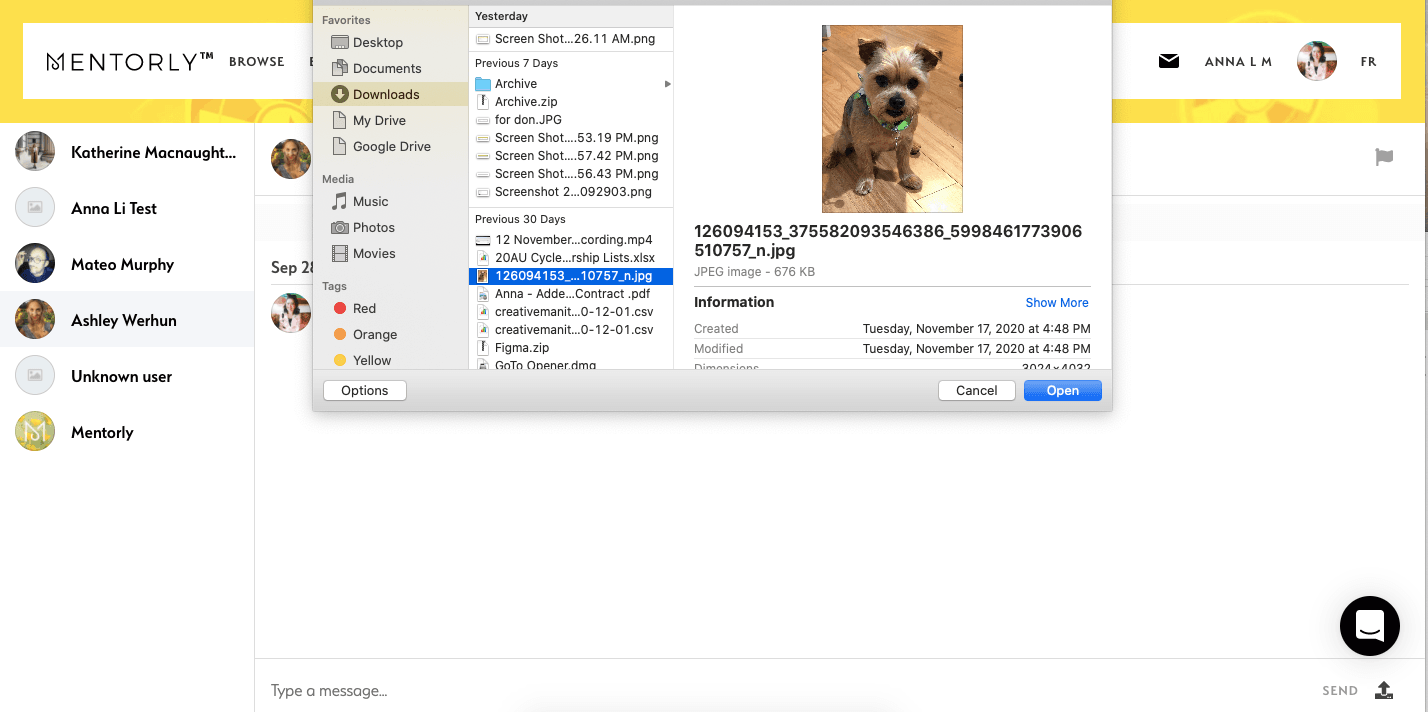
Find the file you want to send from your computer, and click Open:
And you'll see the attachment sent:
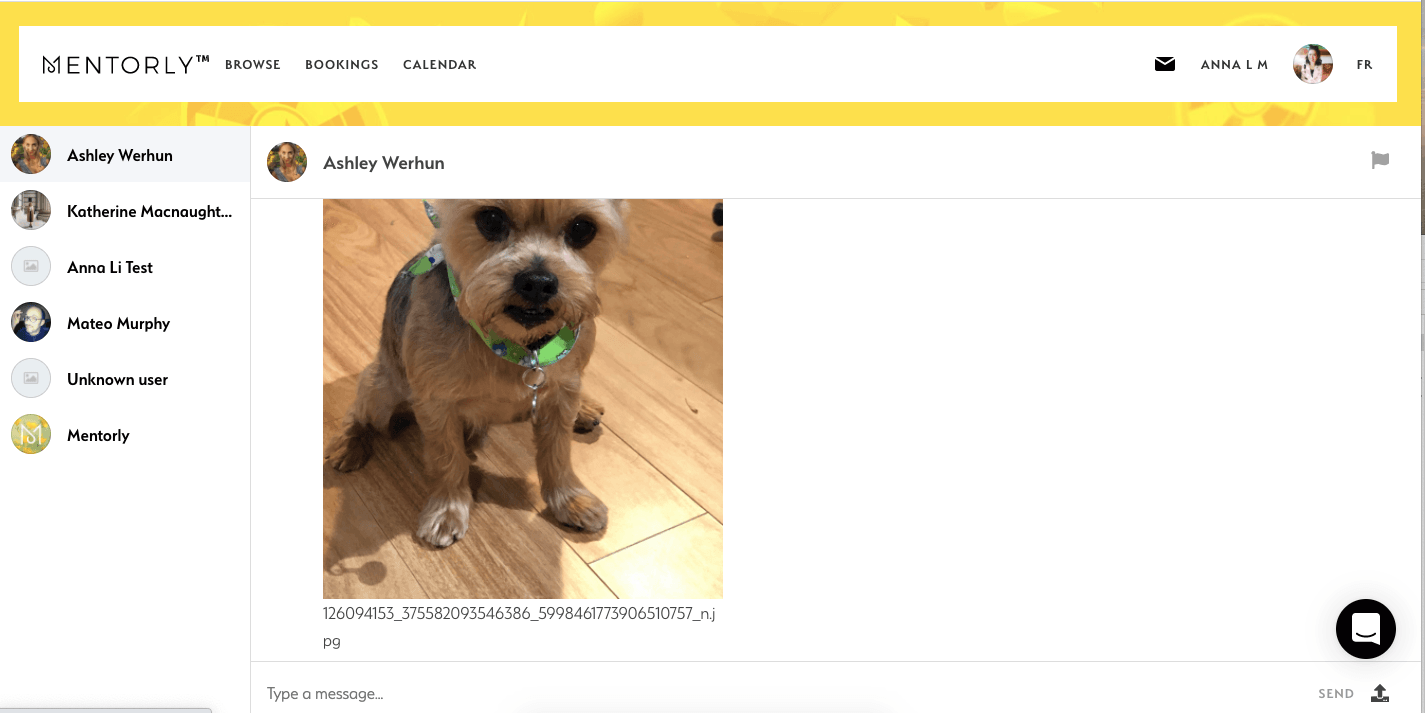
And there you have it! The file is now in their DM 📥