(FOR MARKETPLACE USERS)
Go to your Mentorly profile or click on the 'Profile' below:
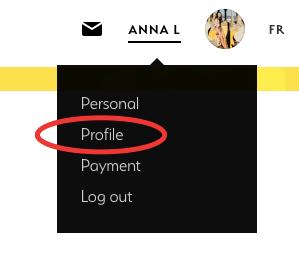
Make sure to complete all of the sections to really make your profile stand out! 🤩
Note: Currently we only allow your profile to be under one discipline (not multiple) which was set up upon creating your account and you can no longer change it yourself. i.e. Visual Art
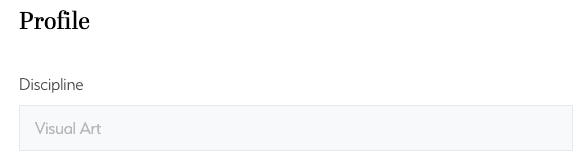
Here are all the discipline categories:

If you'd like to change the discipline you're under, please contact us at support@mentorly.co.
However, you may add multiple 'Areas of interest' (sub-disciplines):
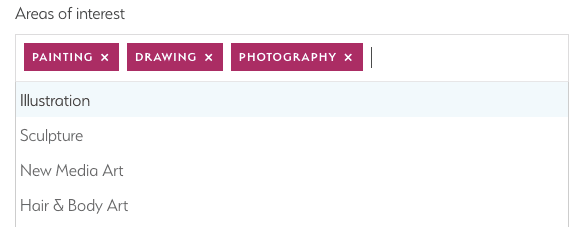
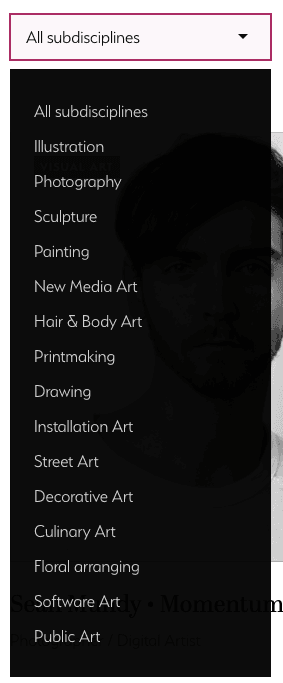
Here are all the sub-disciplines (areas of interest), in this case, for Visual Art:
Lastly, if you want, you can create a custom URL for your Mentorly profile:
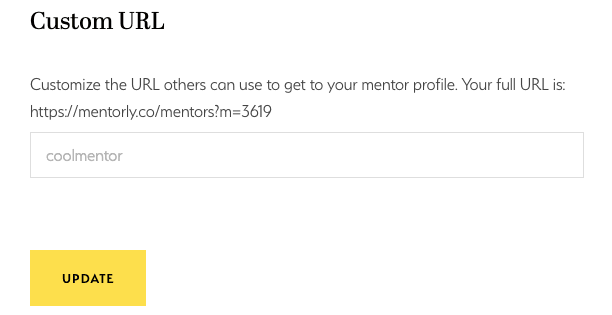
Enter the profile name you want and click UPDATE. For example: annali
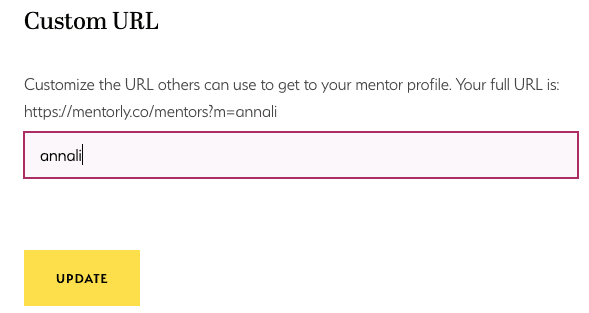
This way, your profile will show like this:

and you can share it with your networks on social media! 😎
Note: If you want to become a mentor, please contact us to apply after reviewing our FAQ.